ProCyte Dx Hematology Analyzer
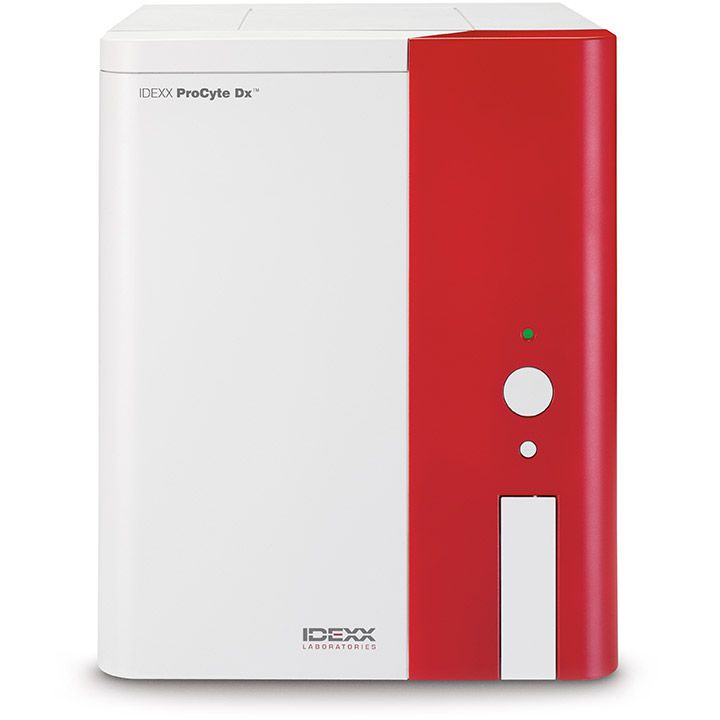
ProCyte Dx Hematology Analyzer resources
How to prepare samples for your ProCyte Dx analyzer
Blood collection and sample preparation steps
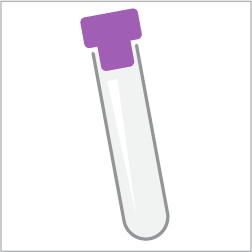
1. Use an EDTA tube that can be secured in the adapter (13 mm x 75 mm, 1.3 mL, 650 μL).
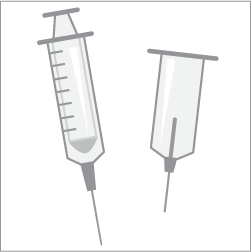
2. Use a syringe or vacuum collection system.
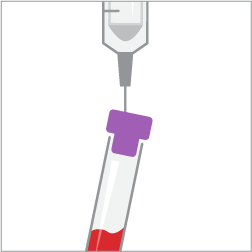
3. Draw the sample and transfer, if necessary.
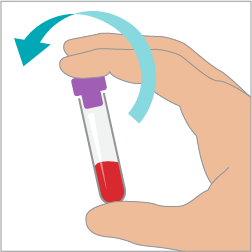
4. Invert the tube to mix.
How to run samples on your ProCyte Dx analyzer
- Identify the patient and initiate the sample on the IDEXX VetLab Station.
- Place the sample in the ProCyte Dx analyzer.
- Press the Start button on the ProCyte Dx analyzer and walk away.
Complement your in-house hematology with blood morphology
Instructions
- Use fresh, well-mixed anticoagulated blood to avoid sample deterioration.
- Maintain an approximate 30° angle between the spreader and sample slide throughout.
- Spread the sample in one smooth, steady motion.
Tips
- Include a blood film when results do not align with clinical expectations.
- Make sure the film has a symmetrical body, a monolayer, and a feathered edge.
- Avoid sample deterioration by limiting storage to 4 or fewer hours.
- Quickly dry slides (air dry or use a fan on the cool setting).
Automated blood morphology in-clinic
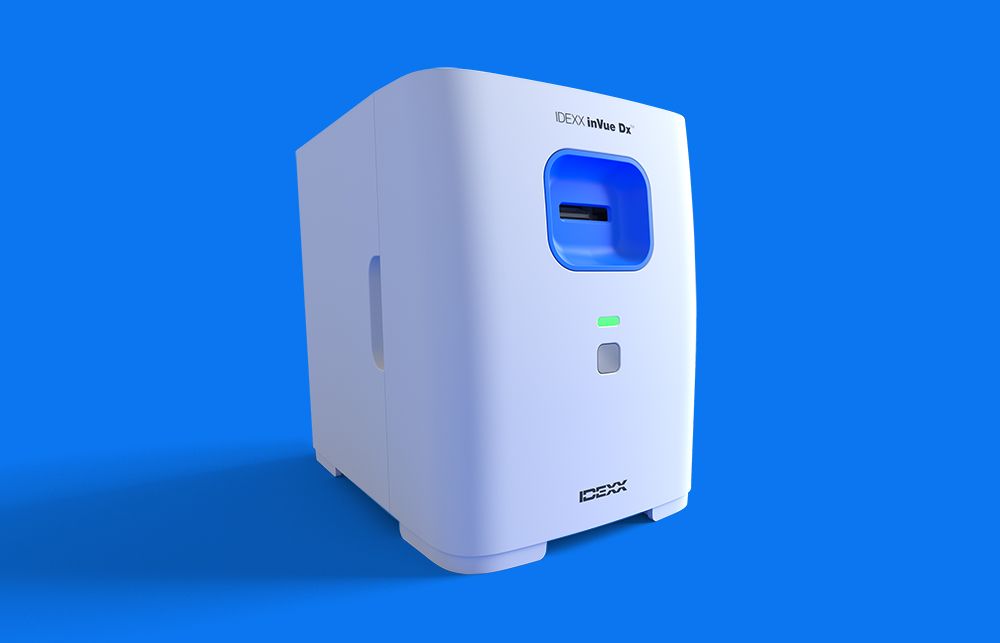
IDEXX inVue Dx Cellular Analyzer
Automated blood morphology provides morphological assessment of critical parameters including clumped platelets, spherocystes, blood agglutination, toxic change, immature neutrophil count/percentage. All integrated with the ProCyte hematology analyzer report.
Need more help? Talk to customer support today. Call 1-800-248-2483.
Understanding your ProCyte Dx analyzer complete blood count (CBC) results
Dot plots
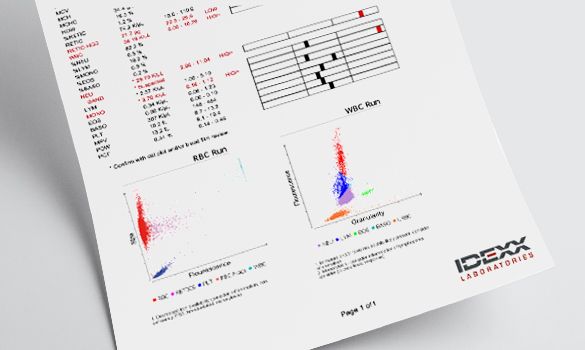
Dot plots can be used to identify abnormalities within patient samples. Each dot represents an individual cell in this critical component of a complete blood count. Viewed together, they provide a snapshot of cellular morphology.
Interpretive aids
Interpretive aids are messages used to provide more insight into CBC results by detecting results-based patterns. Interpretive aids are displayed as messages on the IDEXX VetLab integrated patient report.
Reference intervals
Species-specific reference intervals are displayed graphically on the IDEXX VetLab Station and in VetConnect PLUS.
Maintaining your ProCyte Dx analyzer
Run the rinse procedure once a month
- Prepare the 5% bleach solution up to 1 week before running.
- Set aside 25 minutes to complete the procedure.
- Follow the detailed instructions in your operator’s guide.
Note: This procedure removes contaminants and checks analyzer performance.
Run a quality control once a month
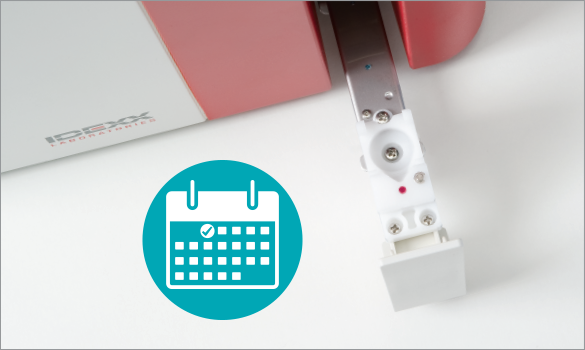
- Use a vial of e-CHECK (XS) maintained at room temperature for at least 15 minutes.
- Set the QC adapter in the sample drawer and insert the e-CHECK (XS) vial.
- Follow the detailed instructions in your operator’s guide.
Note: This QC run ensures the reliability of the analyzer and reagent system.
Change the reagent kit when low, empty, or expired
- Use the easy-to-pull tabs to open the new kit.
- Fold open the top cover; do not alter the order of reagents.
- Avoid damage to the Quick-Connect Top when removing from and placing in bottles.
- Follow the detailed instructions in your operator’s guide.
Tip: To maximize reagent use, on the IDEXX VetLab Station, switch off the “Reagent Low” alert.
Clean the fan filter once a month
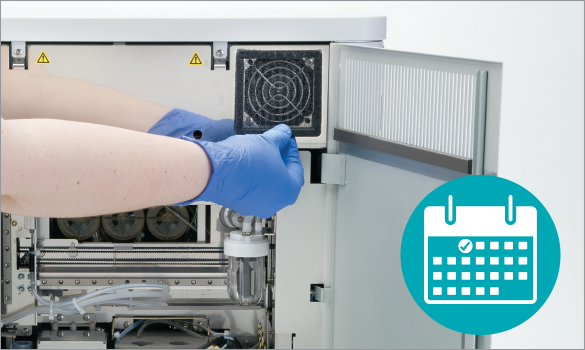
- Turn off the analyzer and open the right-side cover.
- Remove and vacuum the fan filter.
- Replace the fan filter and close the cover.
Tip: Schedule to coincide with one of your weekly reboots.
Frequently asked questions for the ProCyte Dx analyzer
A variety of maintenance and diagnostic procedures are required to ensure optimal performance of the ProCyte Dx analyzer.
- Once every 24 hours: Place the analyzer in Standby mode. When you exit Standby mode, two procedures (an Auto Rinse and a background check) are automatically initiated. These take approximately 8 minutes to complete.
- Every week: Reboot the analyzer and the information processing unit (IPU).
- Every month: Clean the air filter, perform the rinse procedure, and run the e-CHECK (XS) L2 quality control.
- As needed: Change the reagent kit and stain pack.
For detailed instructions:
Reagent kits, stain packs, and testing accessories for the ProCyte Dx analyzer are available at IDEXX Online Orders. Simply sign in to your account to order, or create an account today.
It takes only 2 minutes to get results from a run on the ProCyte Dx analyzer.
Guides for the ProCyte Dx analyzer
ProCyte Dx Operator's Guide
ProCyte Dx Quick Reference Guide
Analyzer Maintenance Log
ProCyte Dx sample preparation poster
Blood Cell Guide
e-CHECK (XS) Delivery Schedule (U.S.)
Safety materials
Support
Contact us
Need more help? Get product answers and information or talk to Customer Support today.
1-800-248-2483
Training courses
Take complimentary courses on ProCyte Dx analyzer operation. Get video tutorials on daily protocols and procedures.